Scene Doctor
One-click fixes for common Unreal Engine 5 problems.
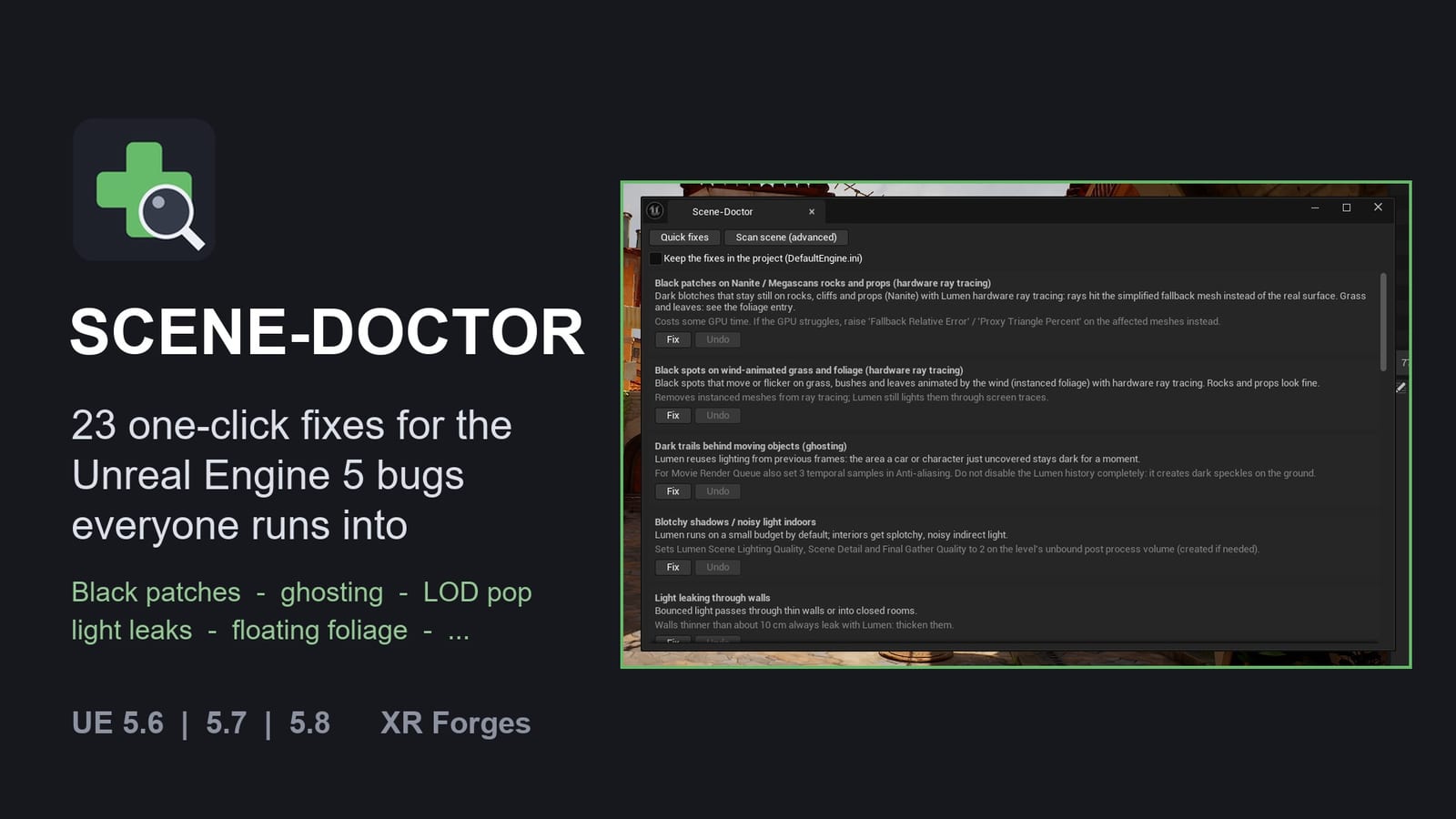
One-click fixes for the Unreal Engine 5 problems everyone runs into (black patches, ghosting, blotchy interiors, foliage popping, missing landscape brush...) and a level scan that finds and repairs floating or buried foliage.
Supported engine versions: 5.6, 5.7 and 5.8, on Windows (Win64). Editor only: nothing is added to your packaged game.
Installation
- Close Unreal Engine.
- Copy the
SceneDoctorfolder into your project'sPluginsfolder. Create thePluginsfolder next to your.uprojectif it does not exist. - Open the project and check Edit > Plugins ("Scene-Doctor") if needed.
- A Scene-Doctor button appears in the main toolbar.
How to use it
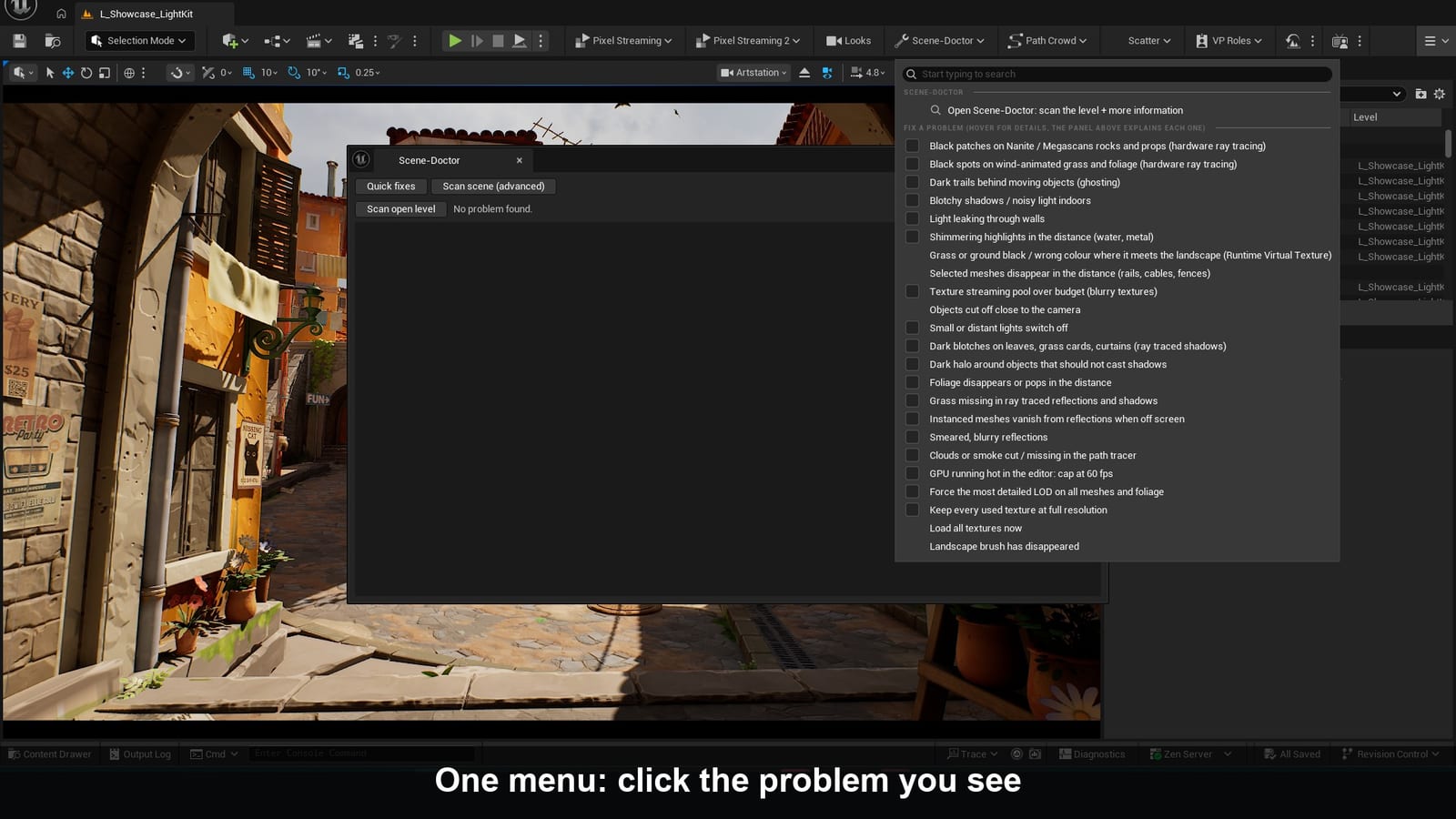
Click Scene-Doctor in the toolbar.
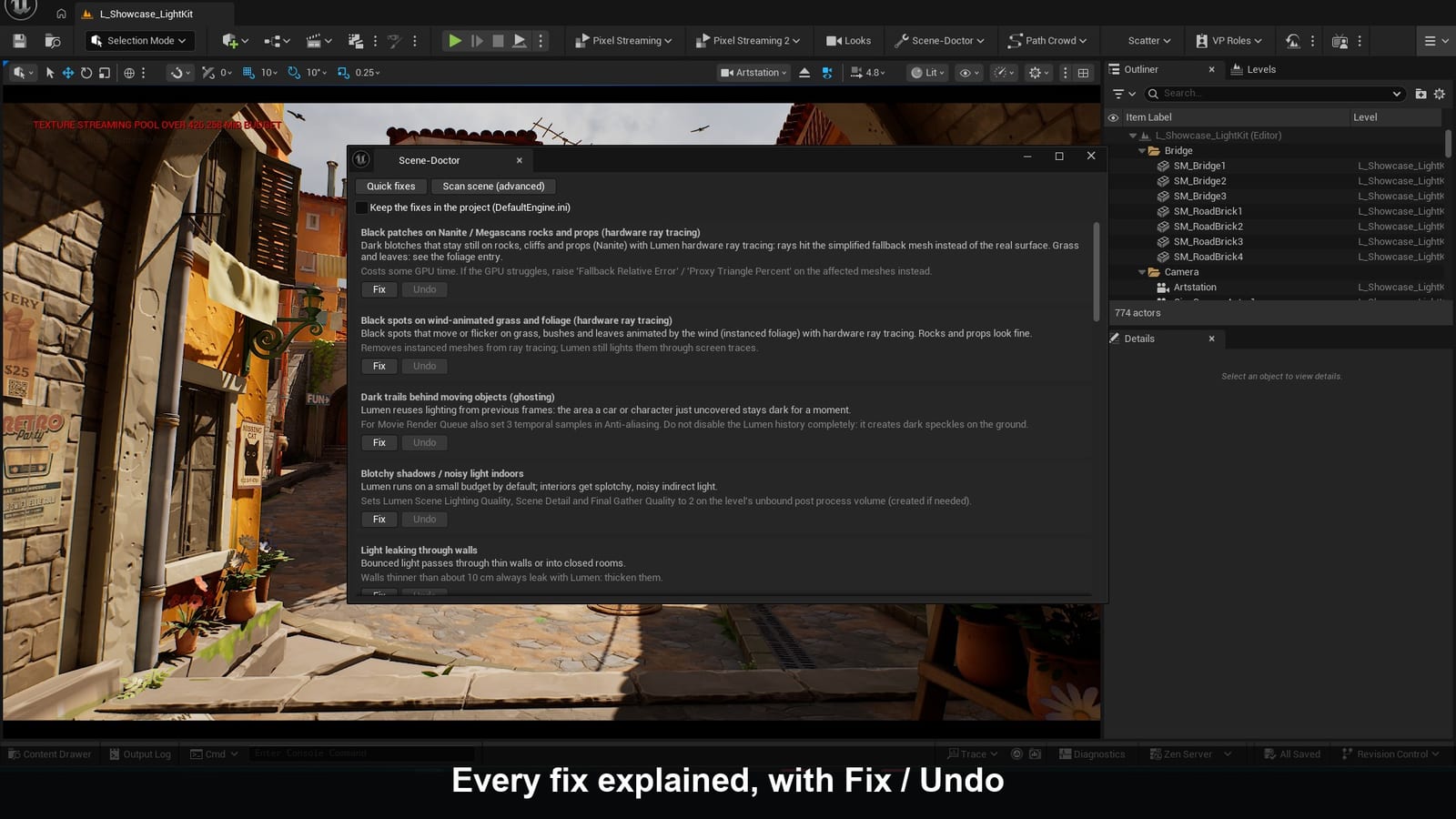
Open Scene-Doctor: scan the level + more information (top of the menu) opens the panel:
- Quick fixes tab: every fix with its symptom, what it changes and what else to check by hand, with Fix / Undo buttons;
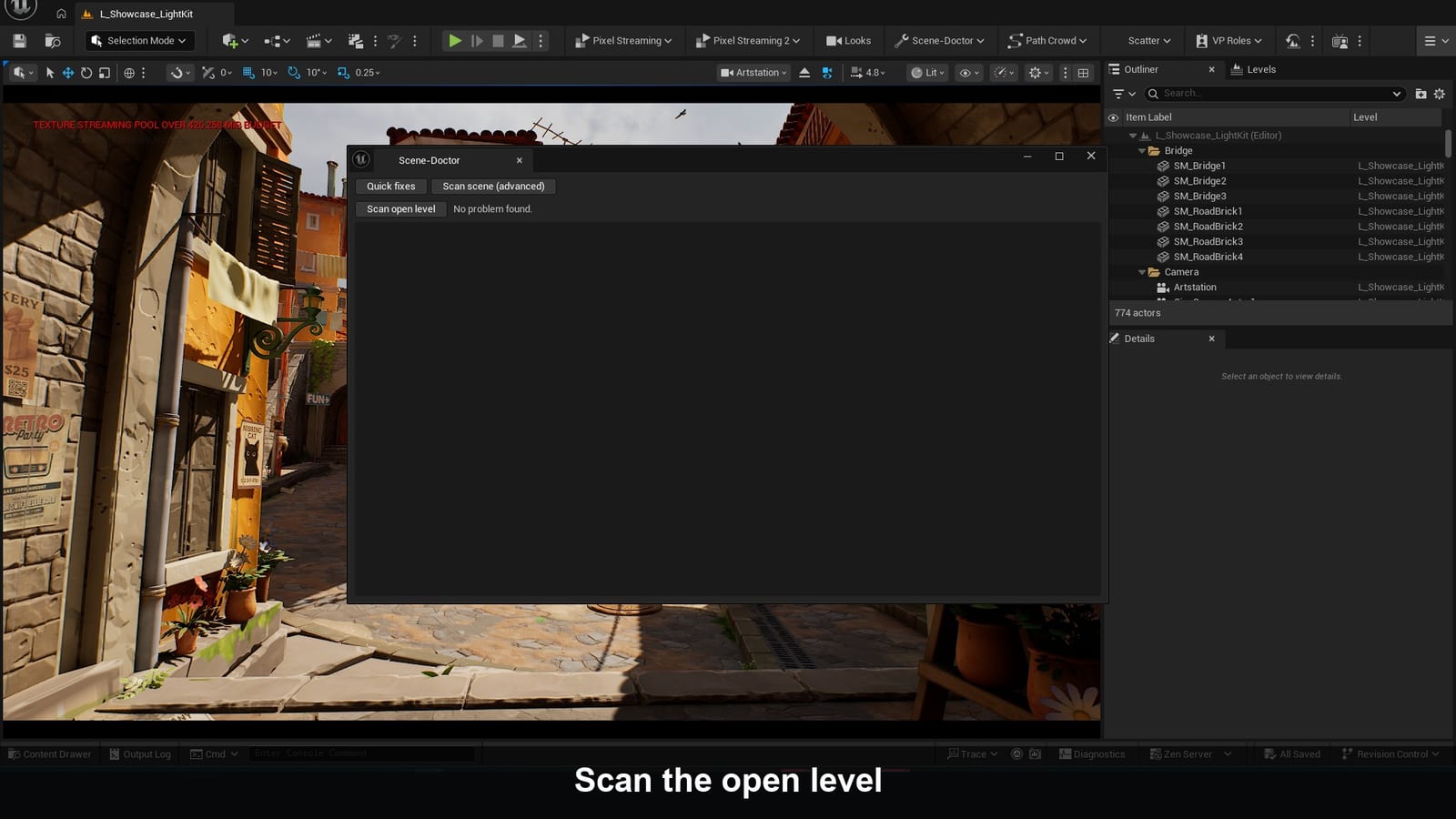
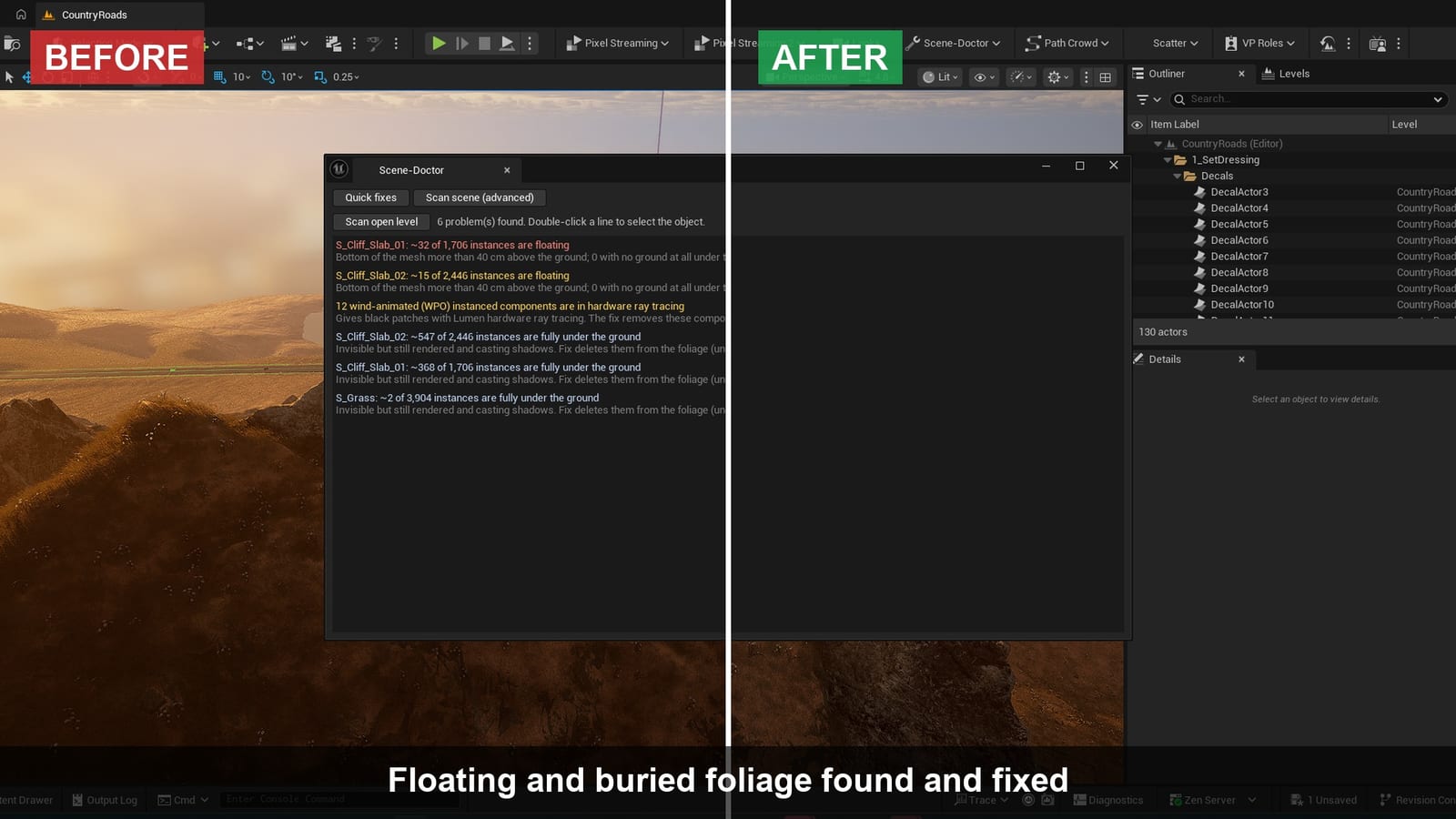
- Scan scene (advanced) tab: Scan open level lists the problems found, each with a Fix button (double-click a line to select the object);
- "Keep the fixes in the project (DefaultEngine.ini)": also writes the settings to
Config/DefaultEngine.ini, so they survive a restart and are used by renders and packaged builds.
Fix a problem: click the line that matches what you see. Hover a line for details.
- Settings fixes are toggles: click again to undo.
- Fixes that change the level (RVT, draw distance, foliage) are undone with Ctrl+Z.
The fixes
| Problem you see | What Scene-Doctor does |
|---|---|
| Black patches on Nanite / Megascans rocks and props (hardware ray tracing) | Ray tracing uses the real Nanite surface instead of the fallback mesh |
| Black spots on wind-animated grass and foliage (hardware ray tracing) | Removes instanced foliage from ray tracing |
| Dark trails behind moving objects (ghosting) | Shorter Lumen history |
| Blotchy shadows / noisy light indoors | Lumen quality 2 on the level's post process volume |
| Light leaking through walls | Short range AO + mesh distance field tracing |
| Shimmering highlights in the distance (water, metal) | TSR flicker rejection, no front layer reflections |
| Grass or ground black / wrong colour where it meets the landscape (RVT) | Landscape writes into the RVT, volumes resized to cover the terrain |
| Selected meshes disappear in the distance (rails, cables, fences) | No distance culling, LOD0 kept on the selection |
| Texture streaming pool over budget (blurry textures) | Pool raised to 3 GB (limited to the video memory) |
| Objects cut off close to the camera | Near clip plane 1 cm |
| Small or distant lights switch off | Lights kept at any screen size |
| Dark blotches on leaves, grass cards, curtains (ray traced shadows) | Two-sided geometry treated as one-sided in RT shadows |
| Dark halo around objects that should not cast shadows | No contact shadows on non shadow casting meshes |
| Foliage disappears or pops in the distance | Foliage LOD distance x10 |
| Grass missing in ray traced reflections and shadows | Landscape grass added to ray tracing |
| Instanced meshes vanish from reflections when off screen | No instance culling in ray tracing |
| Smeared, blurry reflections | Reflection denoiser off |
| Clouds or smoke cut / missing in the path tracer | Heterogeneous volumes in the path tracer |
| GPU running hot in the editor | Editor capped at 60 fps |
| Force the most detailed LOD on all meshes and foliage | r.ForceLOD 0 / foliage.ForceLOD 0 |
| Keep every used texture at full resolution | Fully load used textures |
| Load all textures now | Streams every pending texture and mesh (up to 15 s) |
| Landscape brush has disappeared | Saves (asks first), goes through an empty map in memory and reopens your level; camera and Landscape mode restored. No file is created |
Blurry textures: streaming pool, before / after LOD pop and distance culling, before / after Blotchy interior, before / after
Level scan
- Floating foliage: instances whose bottom is more than 40 cm above the ground. Fix puts them back on the ground.
- Buried foliage: instances fully under the ground (invisible but still rendered). Fix deletes them from the foliage.
- Wind-animated foliage in hardware ray tracing: Fix removes these components from ray tracing.
Foliage fixes go through Unreal's foliage system, so they are saved with the level and undone with Ctrl+Z.
Python / Blueprint
unreal.SceneDoctorLibrary: get_quick_fix_ids(), apply_quick_fix(id, save_in_project), revert_quick_fix(id), scan_level(), fix_all_issues().
Support
XR Forges
Support: fabien.xrforges@gmail.com
Documentation: https://www.xrforges.com/docs/scene-doctor/